
Available
Chronological agenda
Read Apple Calendar events and optional Apple Reminders together from Today through one year, grouped by exact date and month.
See Apple Calendar and Reminders in one chronological agenda. Add plans in plain English, turn messy notes into reviewed events, and keep what comes next close with widgets, Live Activities, and Apple Watch.
Free on the App Store for iPhone, iPad, Mac, and Apple Watch. No Calindex account, advertising, or tracking.

In Calindex
Read Apple Calendar events and optional Apple Reminders together from Today through one year, grouped by exact date and month.
Choose visible calendars and reminder lists, hide all-day or declined events, change the time range, and filter the sources in view.
Paste text, use the Share Sheet or Shortcuts, and extract dates, times, places, links, time zones, and recurrence entirely on-device.
Use Apple Vision to recognize text from screenshots and photographed schedules on-device, then edit the text before review.
Ambiguous details and possible duplicates remain unselected until you review them. Only confirmed items are written to Calendar.
Search events and reminders, add or reschedule items, complete reminders, and edit or delete content from writable Apple sources.
Keep upcoming plans on Home and Lock Screen widgets or in a Live Activity. Check today and capture reminders on Apple Watch.
Use Calindex without an account. Optional import history and pending shared imports are encrypted locally with device-only keys.
Add an event or reminder in plain English, review its details, and set Daily Summary and Tomorrow Preview for times that suit you.
Real product screens
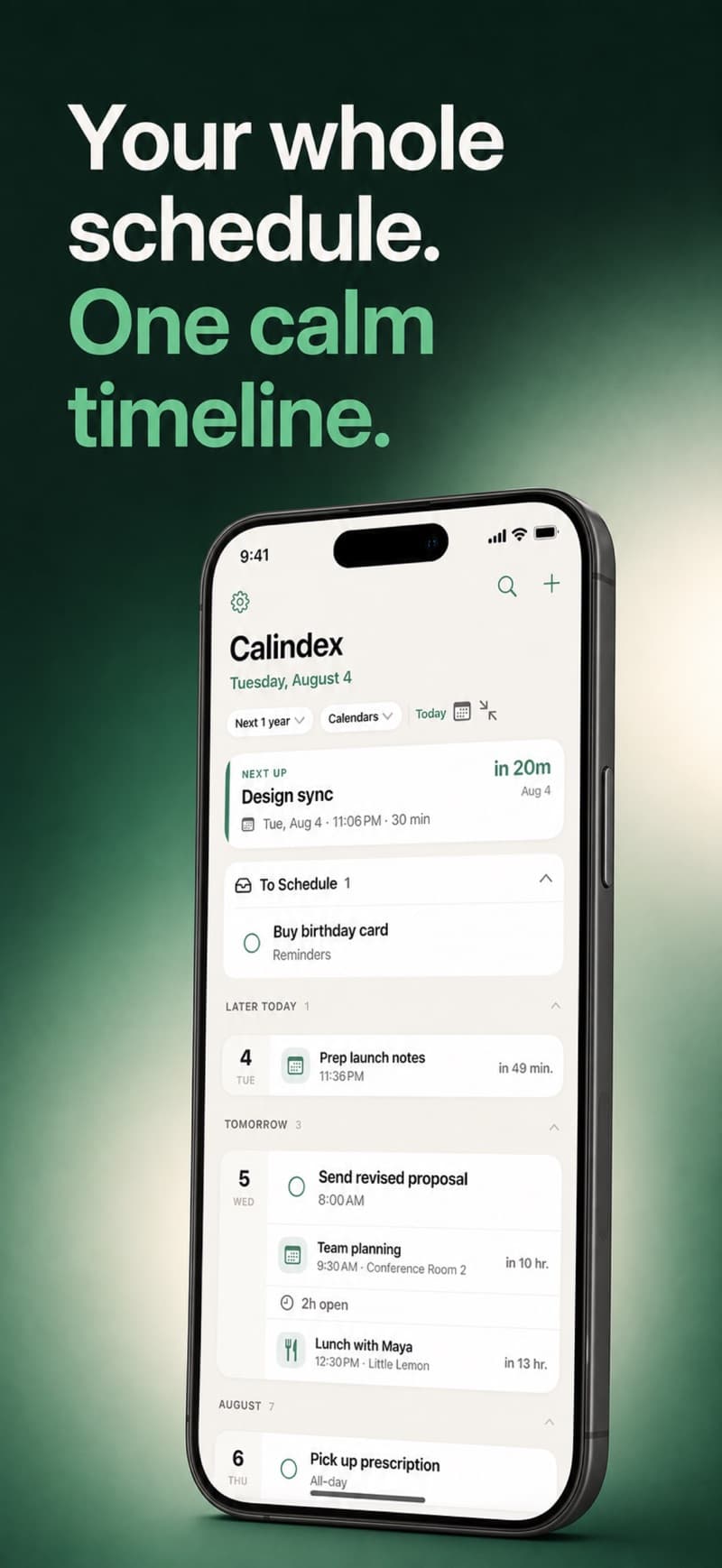
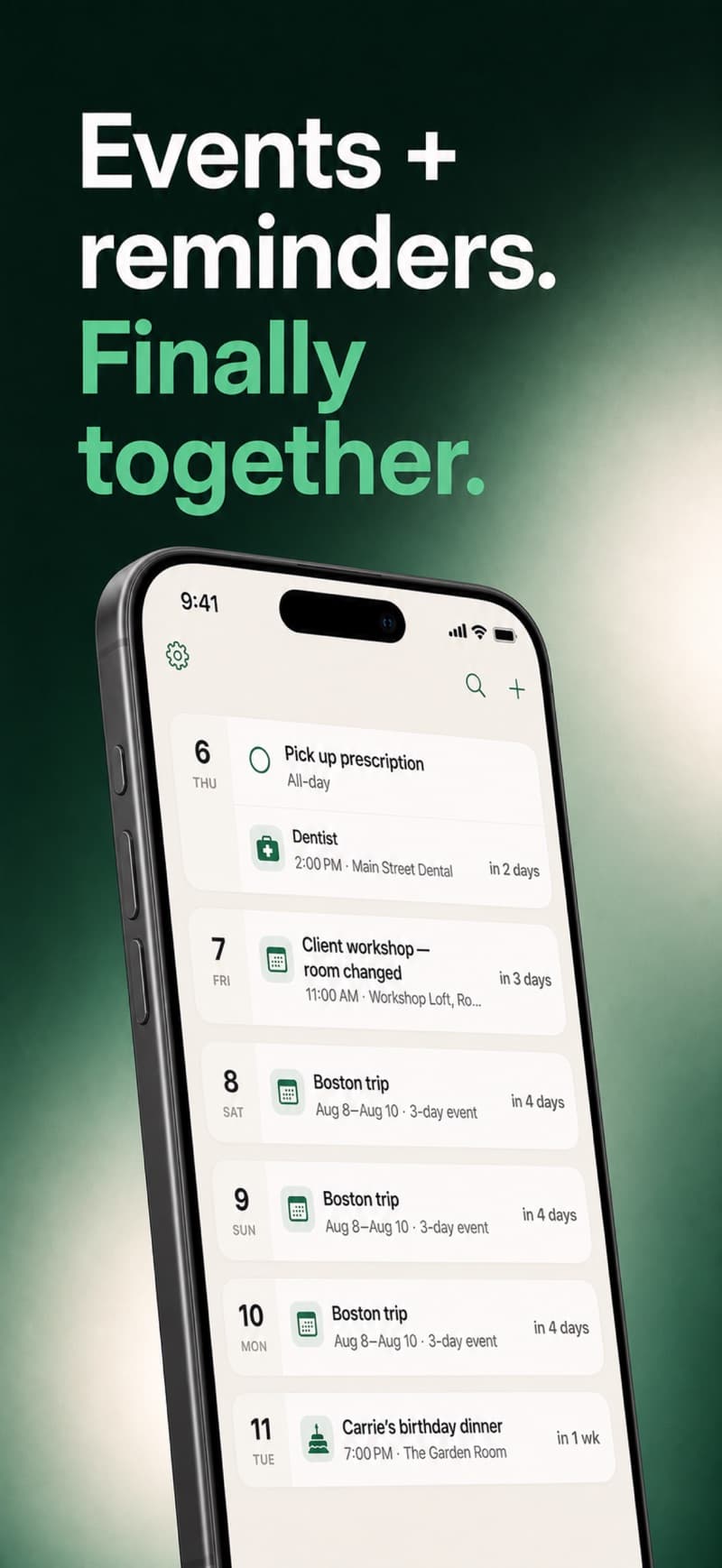
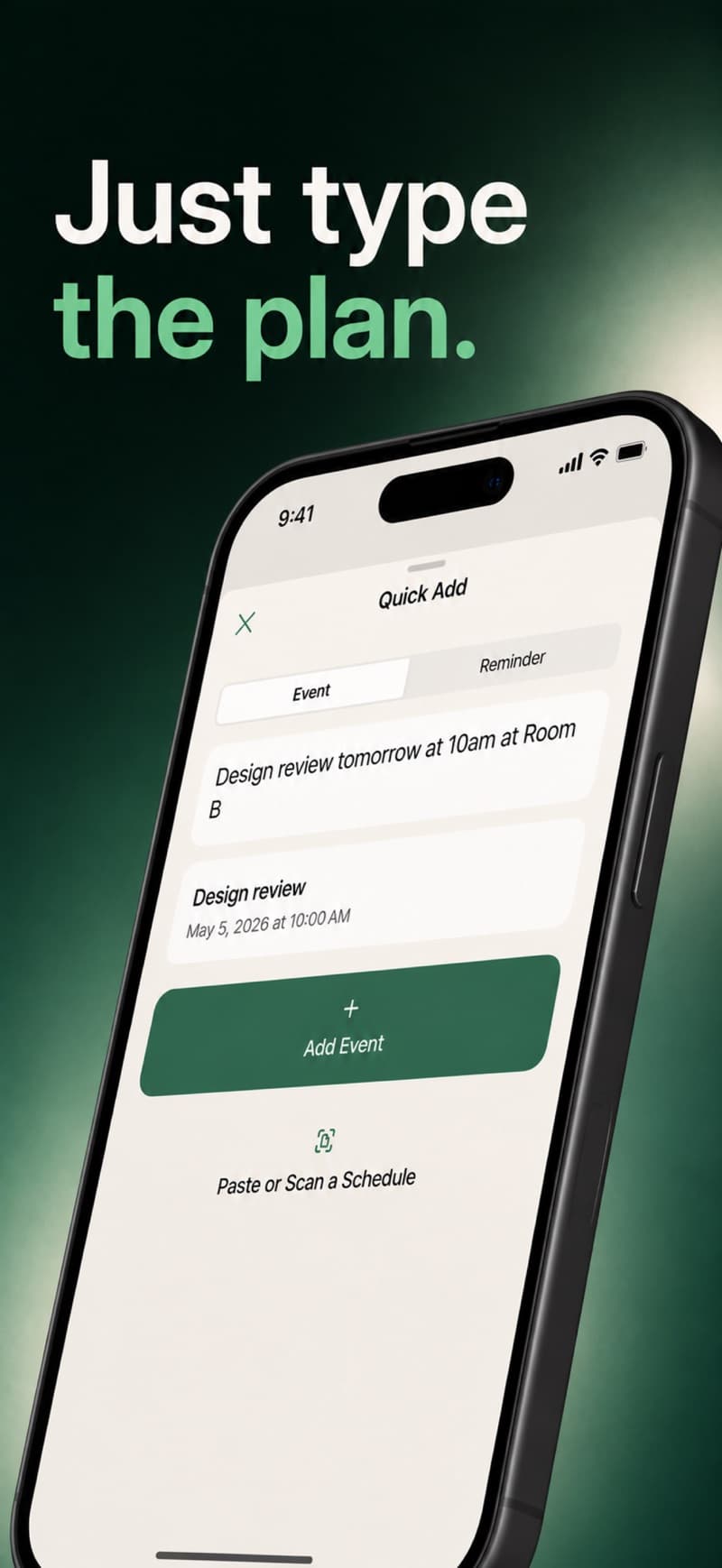
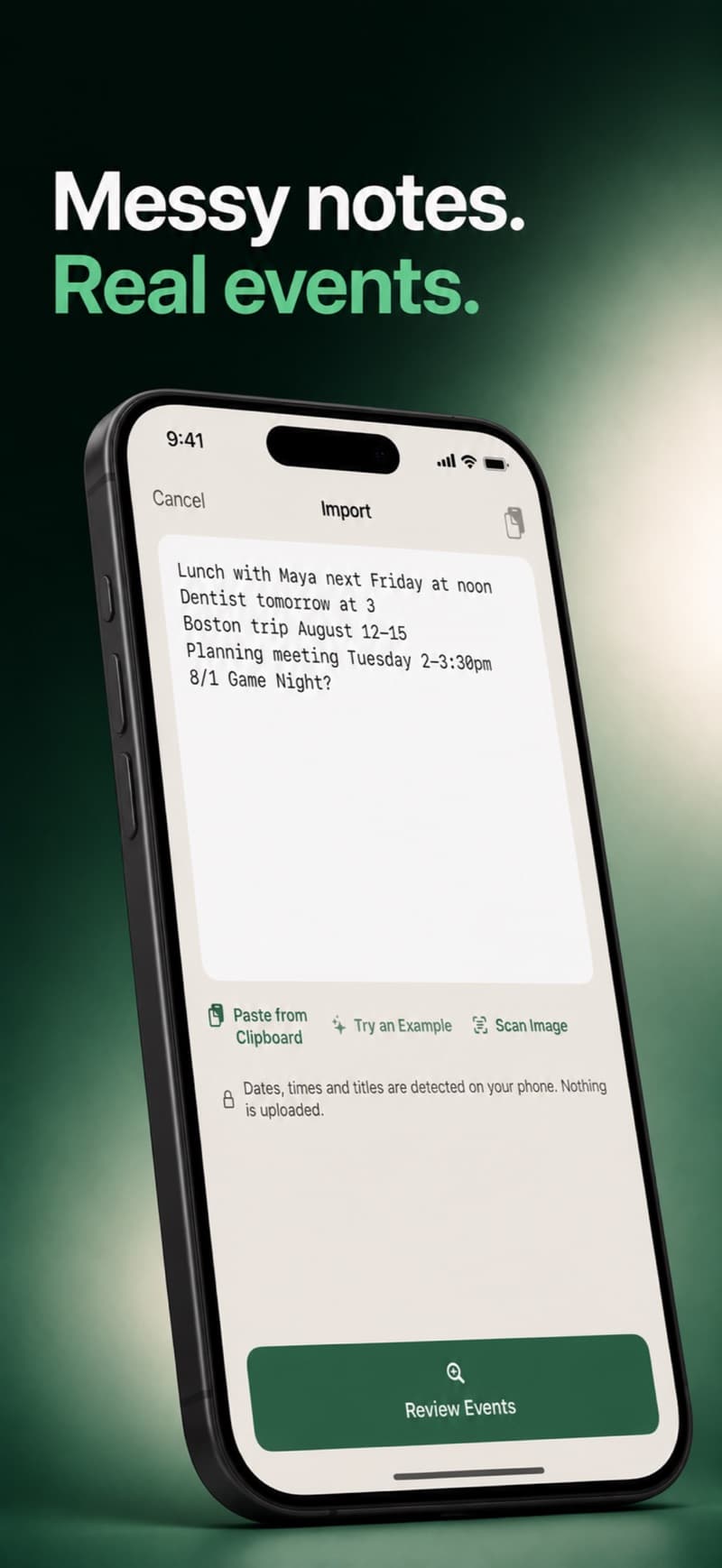
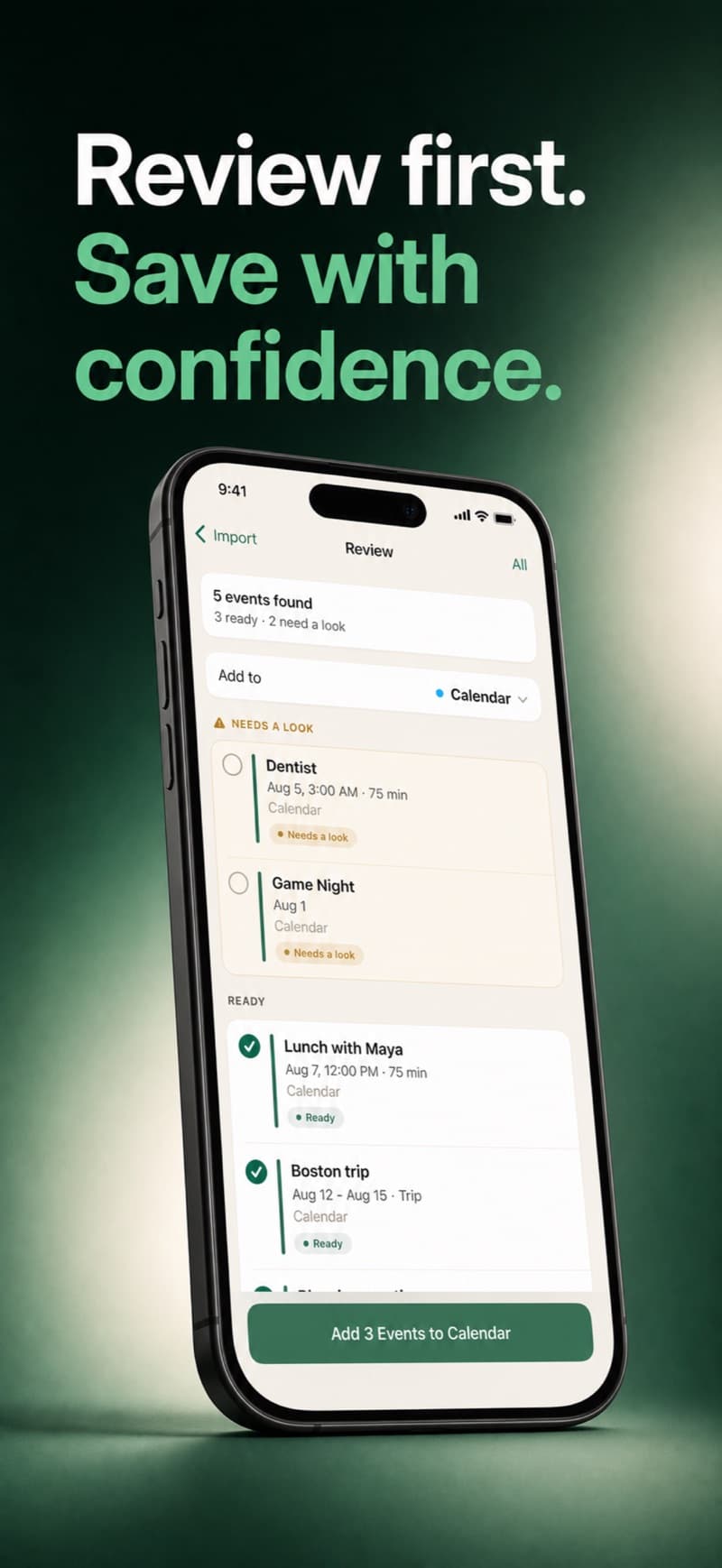
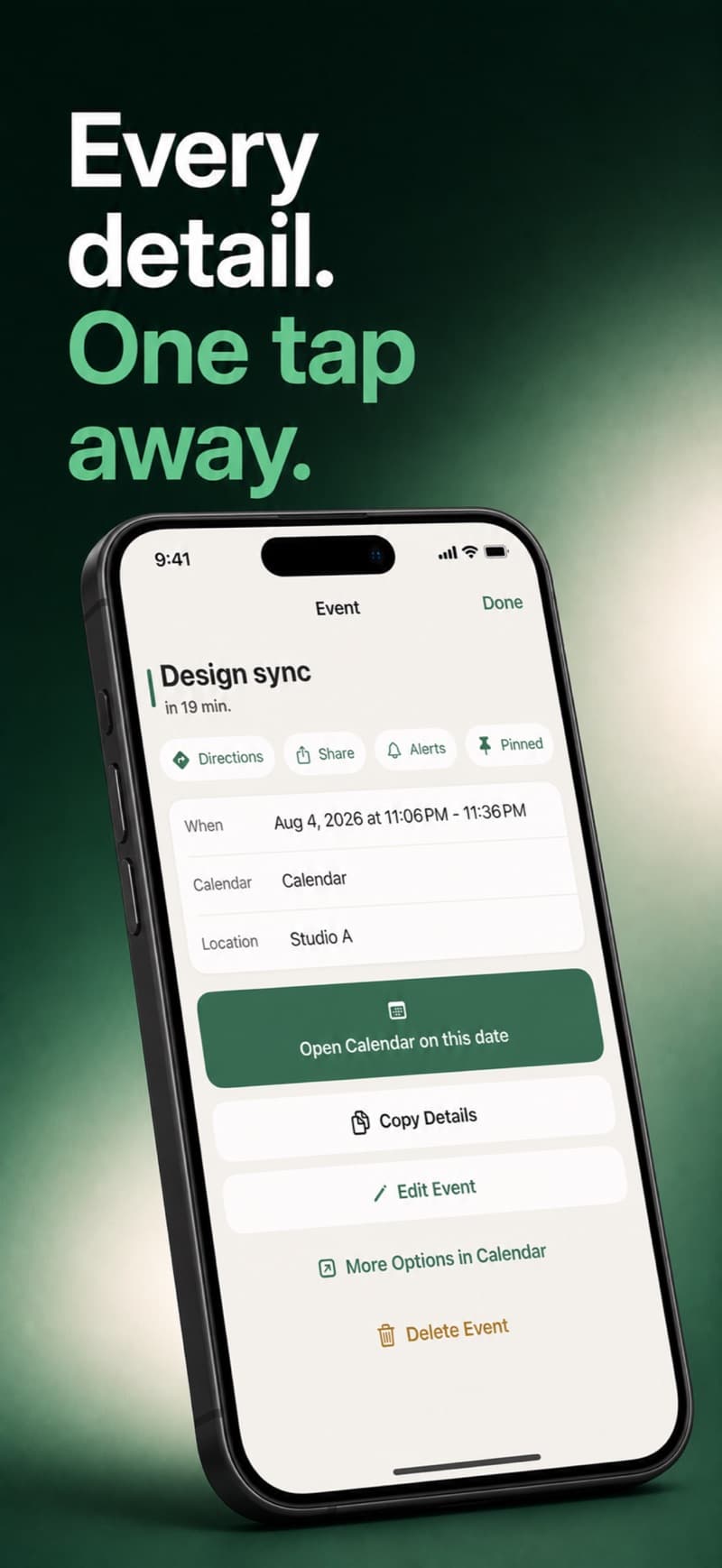
Calindex requests full event access because it both displays and changes Apple Calendar content. The agenda reads calendars you leave visible; Reminders uses a separate, optional permission. New items go only to the writable calendar or reminder list you select.
Text parsing, image text recognition, notifications, and optional encrypted import history run locally. Calindex has no account service, advertising, or app server. Confirmed Apple events are written through EventKit, so a calendar provider already configured on your device may sync them.
Coming in version 1.5, currently in TestFlight and awaiting verification.
Sign in with Google to list your calendars and display events from the calendars you select. Calindex requests read-only calendar-list and event access. It does not create, change, or delete Google events. Events refresh every minute while Calindex is active, when you return to the app, and when you refresh manually.
This connection works in Calindex only. It does not add an account to Apple Calendar or copy Google events there. To connect Google to Apple Calendar too, add the account in iOS Settings. You can disconnect Google from Calindex Settings at any time.
Google authorization is stored by its SDK in Keychain, and downloaded events are encrypted locally. Google processes sign-in data under its own policies. Read the Calindex privacy policy for details.
Developed and operated by Manafold, LLC.Calindex is an independent product and is not part of the Manafold app for Magic: The Gathering.